Remote & WFH Employee Monitoring
Remote employee monitoring for distributed teams: attendance, idle tracking, and screenshots across 10k+ deployments and billions of indexed logs
The Challenge
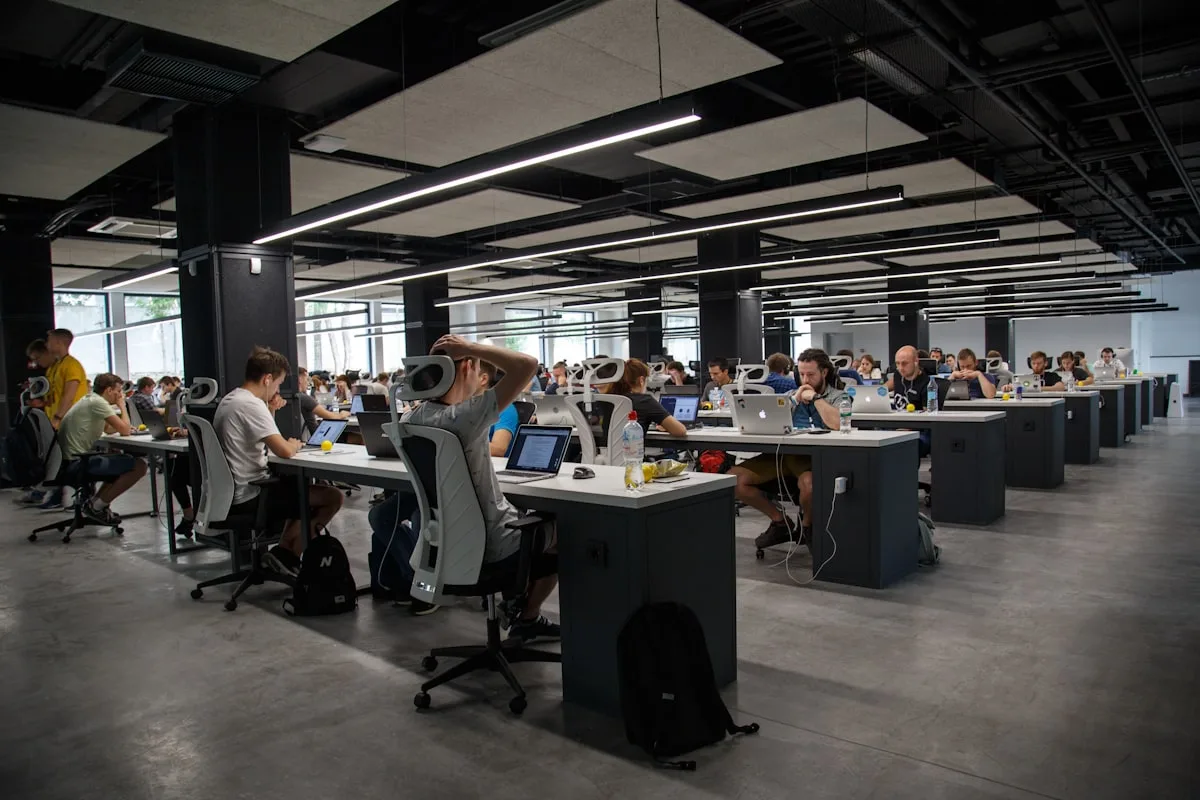
When employees work from home, managers lose the natural visibility of a shared floor. A Gurgaon BPO with 500+ agents still owes clients SLA proof on billable seats. Hybrid KPO teams split between Sector 42 and WFH need one attendance standard, not self-reported timesheets. EnDetect processes billions of logs across 10k+ deployments.
How EnDetect Helps
22x
ROI: PRO ₹280/mo vs 1 hr/day on ₹50k employee
10k+
Deployments including Gurgaon BPO and hybrid KPO
28%
Billable hours recovered on remote support floors
“We deployed EnDetect for our 400-person remote team and within 30 days, productivity rose by 22%. Attendance and idle data showed 30 agents consistently inactive during peak hours. Targeted coaching fixed it without adding headcount.”
Aditya K., VP Operations, Fintech Company
Frequently asked questions
Is remote employee monitoring software legal for WFH staff in India?
Yes, with clear employee notice, legitimate purpose, and DPDP-aligned retention. EnDetect is deployed on 10k+ Indian teams. HR should publish policy before rollout. Attendance and idle tracking are the most common starting features.
How does EnDetect handle screen monitoring vs employee photo capture for remote teams?
Live view on PRO and Enterprise monitors the employee's work screen in real time. That is screen monitoring, a separate capability from camera capture. Identity Verification (optional add-on) captures employee photos via webcam on a regular schedule, at random intervals, or on demand when admins need to confirm who is at the keyboard. Most deployments start with attendance, idle time, and screenshots.
Can one dashboard cover office and WFH employees?
Yes. Hybrid KPO teams use the same agent and policies whether someone works from Sector 42 Gurgaon or from home. Billions of indexed logs make cross-location comparisons fair for reviews.